

eSteps App
Everything it does.
It reads how you walk all day, runs a timed walk test whenever you want one, and answers the questions that come after.
What it takes
-
Any shoes you already own
No custom footwear, and nothing to calibrate.
-
iPhone and Android
The insoles pair over Bluetooth and stay paired.
-
About two weeks of battery
Motion-activated sleep, so it rests when you do.

Your day
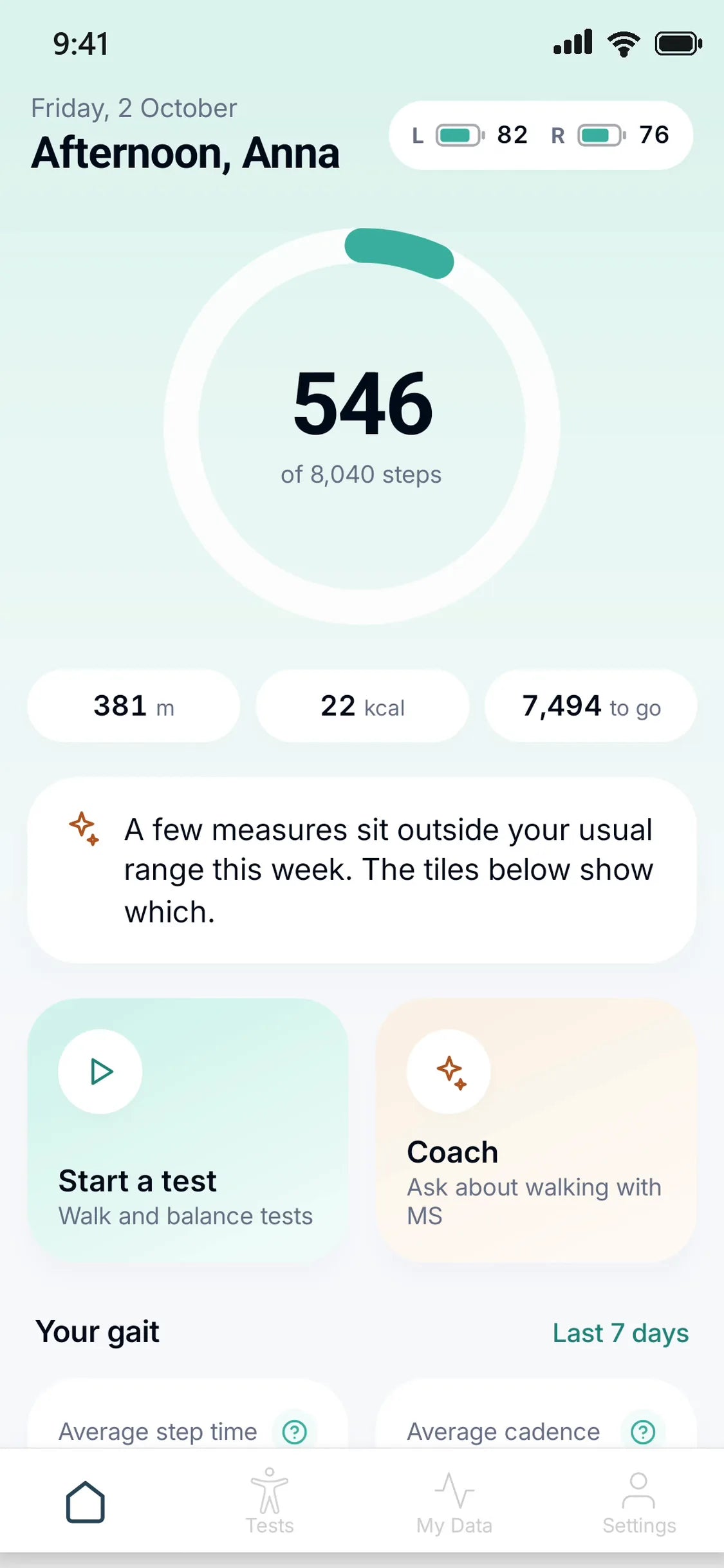
It counts the steps you actually take.
The insoles record your ordinary walking. Nothing to start, nothing to remember. Open the app and the day is already there: steps against your goal, distance, and what changed since last week.
How tracking works
Walk tests
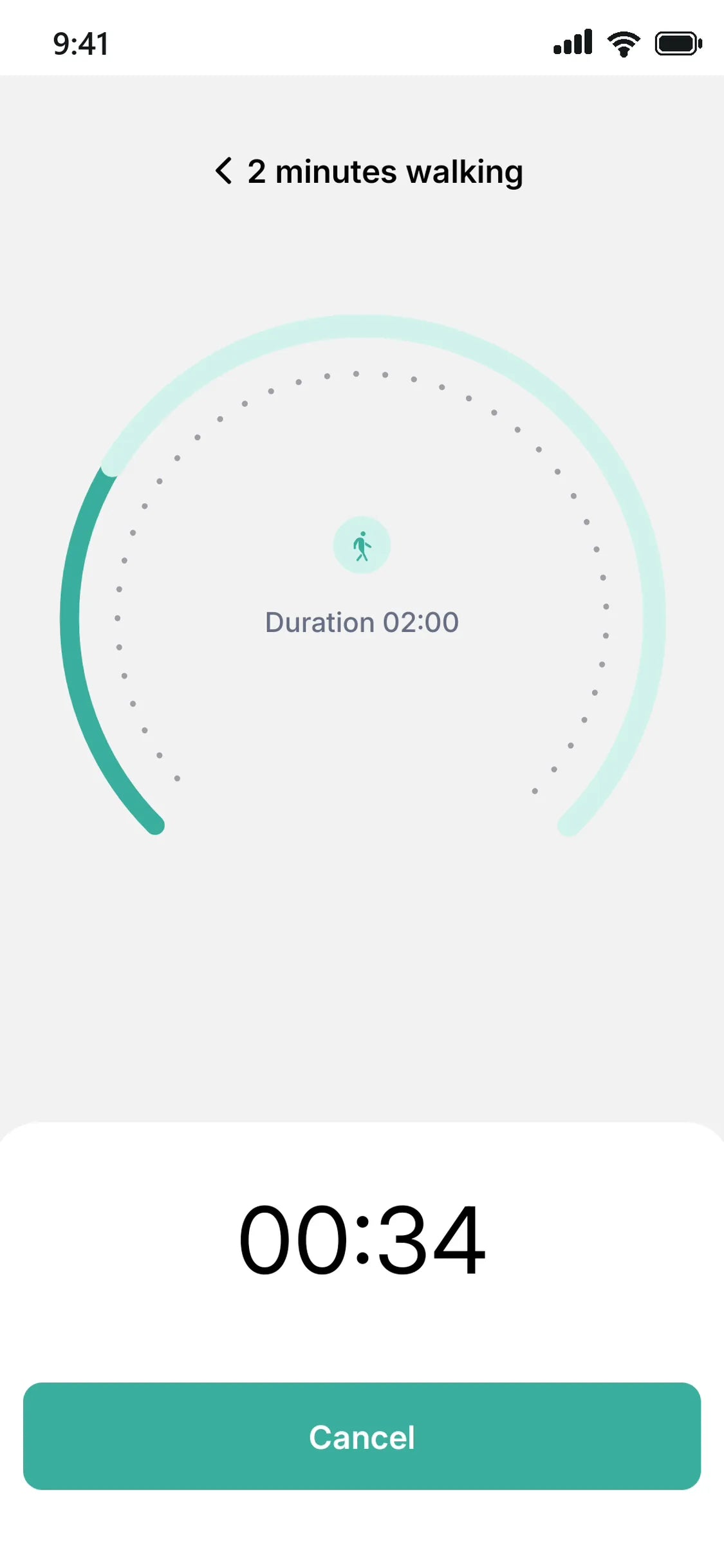
A two-minute test, taken at home.
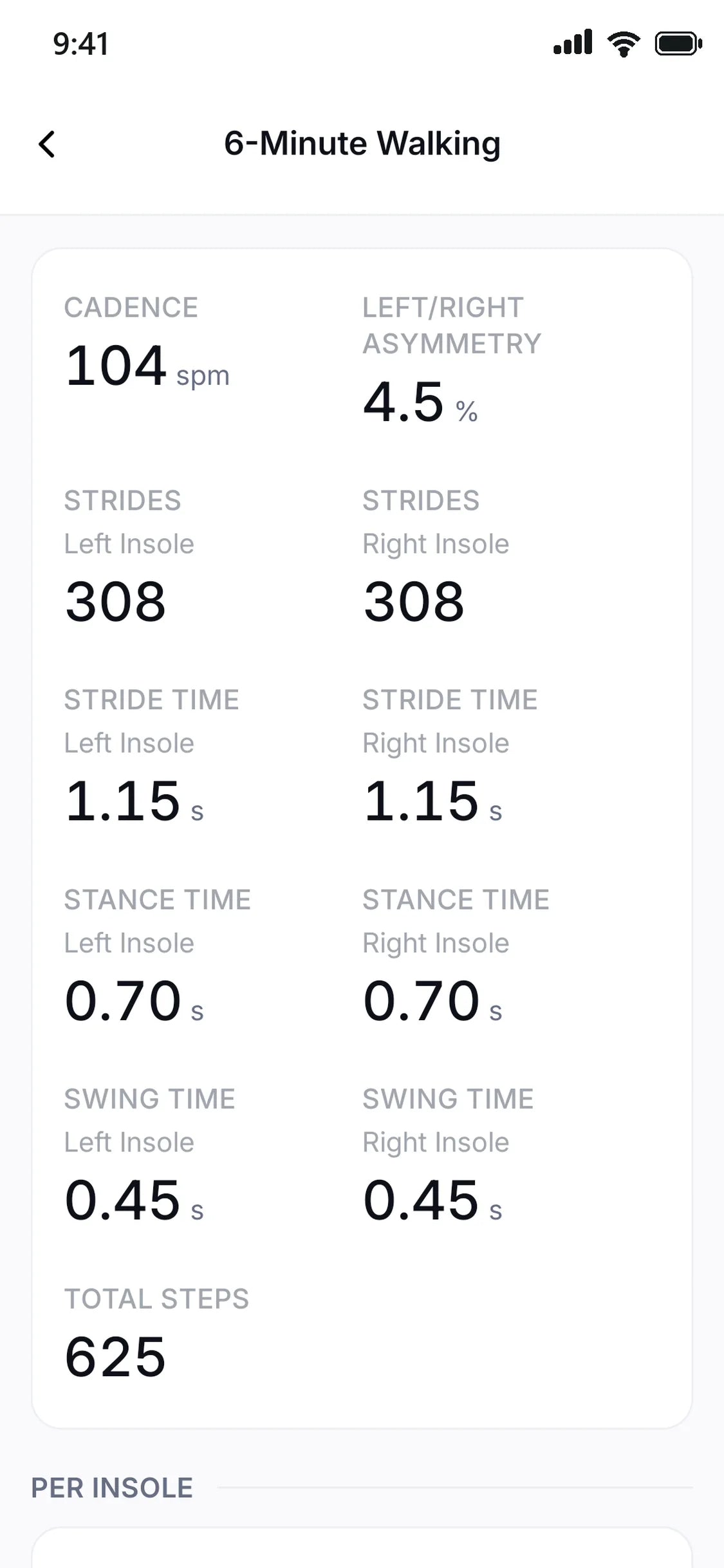
Calibrate, walk, stop, each one cued by a buzz in your shoe. When it ends you get the numbers a timed walk test produces: steps, duration, cadence, and stance and swing for each foot.
Inside a walk test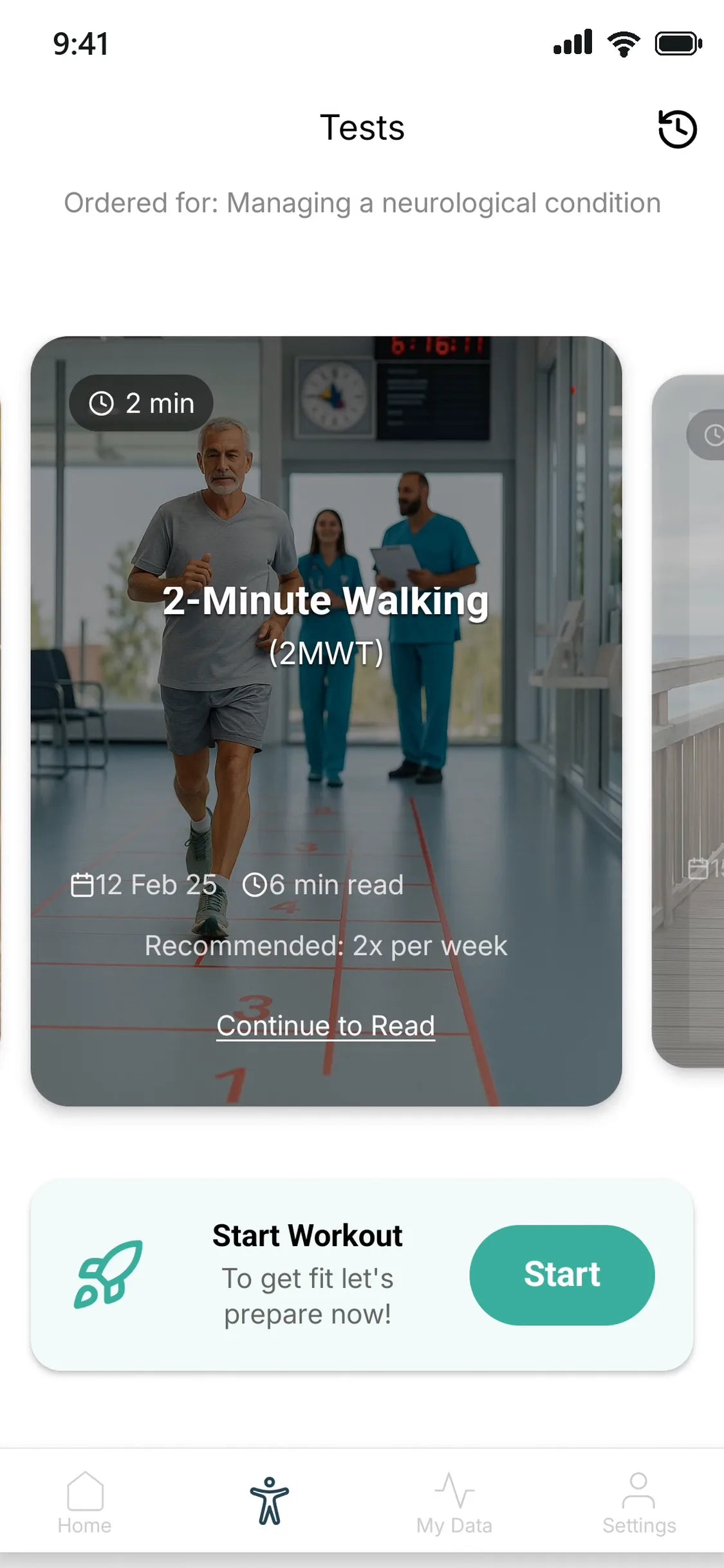
eSteps Coach
Ask it anything.
- How was my walking this week?
- What is being measured when I walk?
- What does cadence mean?
- Are my insoles connected?

And that is not all.
The eSteps App also has:
-
Your gait
Step time, cadence, swing and stance from your last seven days, each against your own usual range.
-
Friends and invites
A step ranking of the people you invite, by day, week or month.
-
Rewards and badges
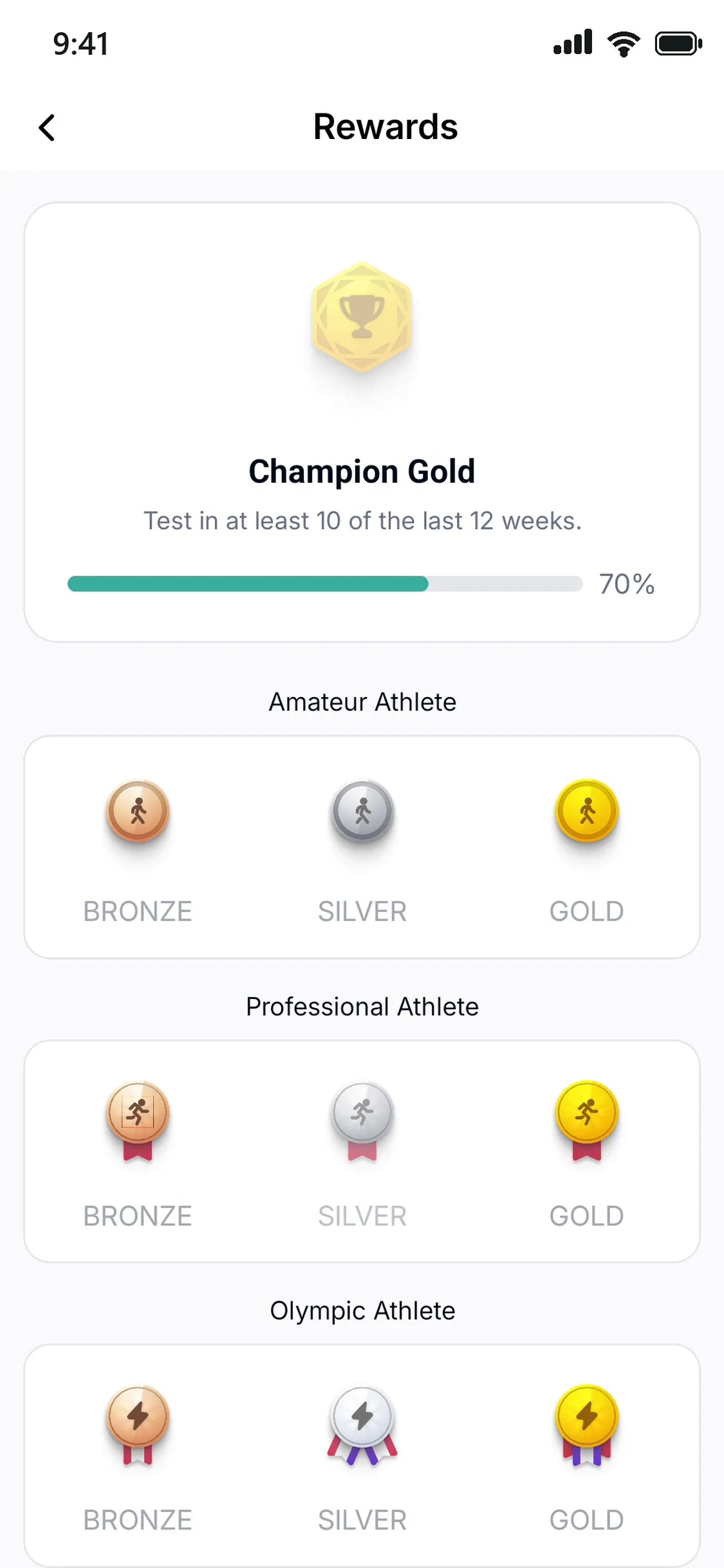
Six tiers to climb, from Amateur Athlete to Super Hero, earned by keeping up with your tests.
-
Connect wearables
Link Oura or WHOOP, and Health Connect on Android, to see readiness, sleep and heart readings next to your walking.
-
Medical files
Keep your reports, letters and scans in the app, in folders you name.




Ready when you are.
Free with any pair of insoles. Nothing to set up beyond putting them in your shoes.
Works with the shoes you already own.